← Back to shop

Monthly Planner Bundle

Your downloads are ready. Save them all.

📄
Printable PDF
Clean, print-ready A4 layout. Works on any home printer or at a print shop.
Download PDF
📱
GoodNotes / Notability
Same PDF — import directly into GoodNotes 5, Notability, or Goodnotes 6 on iPad. Use the Apple Pencil to fill in digitally.
Download for iPad
🎨
Canva Template
Fully editable in Canva. Change colors, fonts, and layout to match your style.
Open Canva

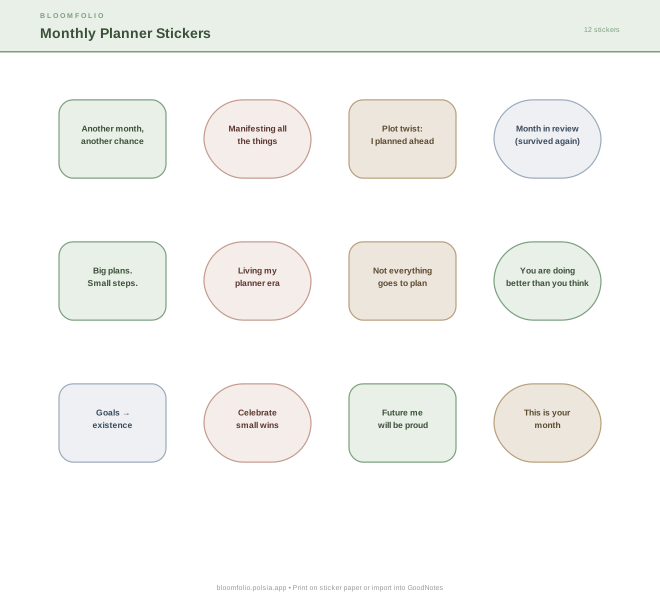
🌸 Matching Sticker Sheet

Print on sticker paper, or import into GoodNotes as image stickers. Transparent background, PNG-compatible SVG.

Download Stickers (SVG)

💡 GoodNotes tip: Import the PDF as a "New Notebook" → choose "From PDF". Enable Notability compatibility by going to File → Properties → Page Size → A4. Your Apple Pencil lines up perfectly.